Solutions
Path: /solutions
Image: 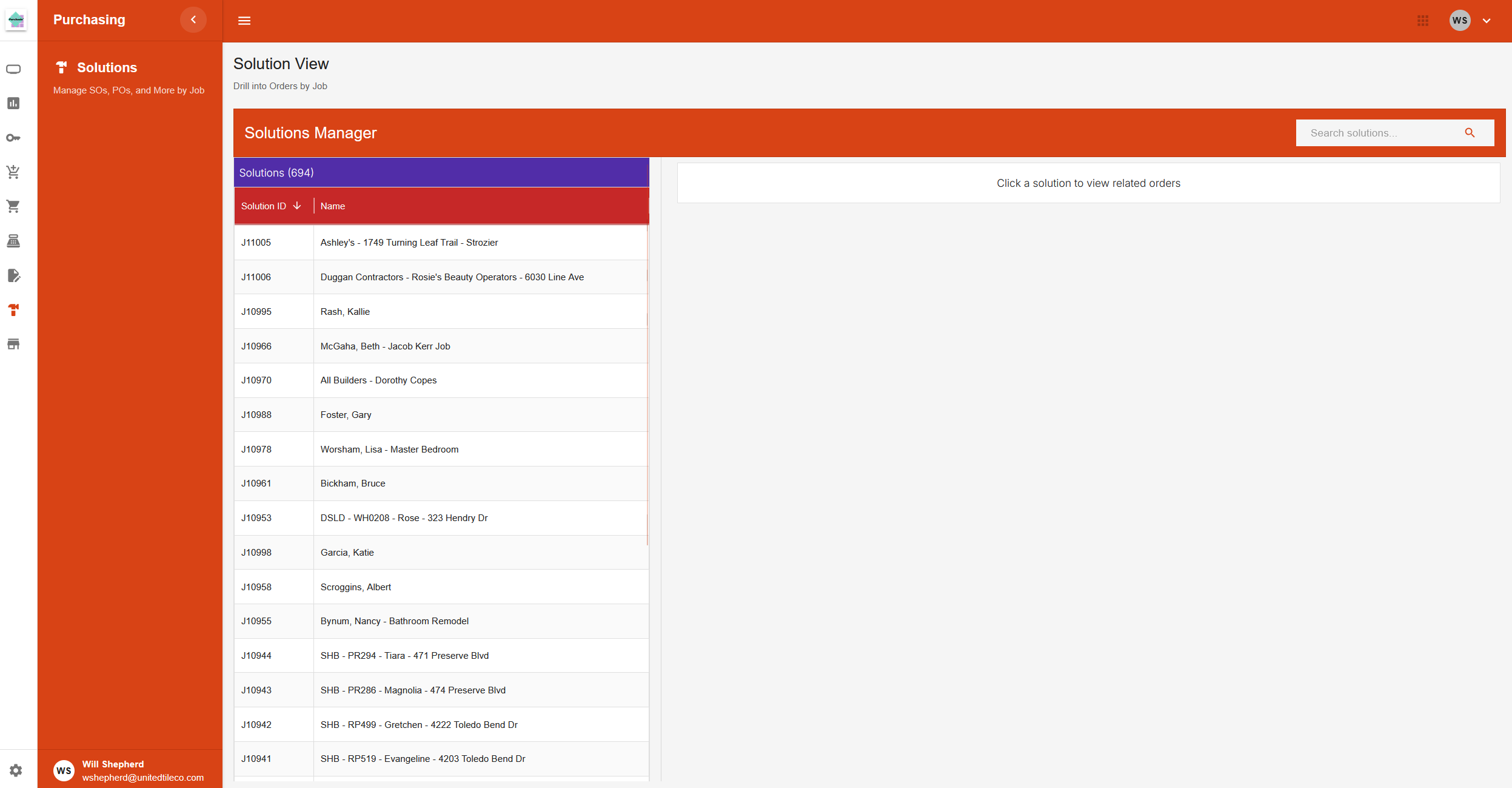
Page Layout
This page, titled "Solutions Manager," provides a two-panel view for looking at jobs (also called solutions) and all of their related order lines.
Header
- Title: "Solutions Manager".
- Search Bar: A search field at the top right to find specific solutions.
Solutions Panel (Left)
The left side of the page contains a table listing all solutions.
- Table: Displays a list of solutions with columns for Solution ID and Name.
- Action: Clicking on any row in this table will load the corresponding order information into the panels on the right.
Order Details Panel (Right)
The right side of the page displays the details for the solution selected on the left. If no solution is selected, it shows a message asking you to click one. The information is organized into separate tables.
- Sales Order Lines Table: If the selected solution has sales orders, this table lists all the individual line items from those orders.
- Purchase Order Lines Table: If the selected solution has purchase orders, this table lists all the individual line items from those orders.
- All Order Lines Table: This table shows a combined list of all buyout line items associated with the selected solution, regardless of whether they are on a sales order or purchase order.