Rooms Tab
The rooms tab allows you to add, remove, edit a construction location and its rooms.
Changing construction Locations
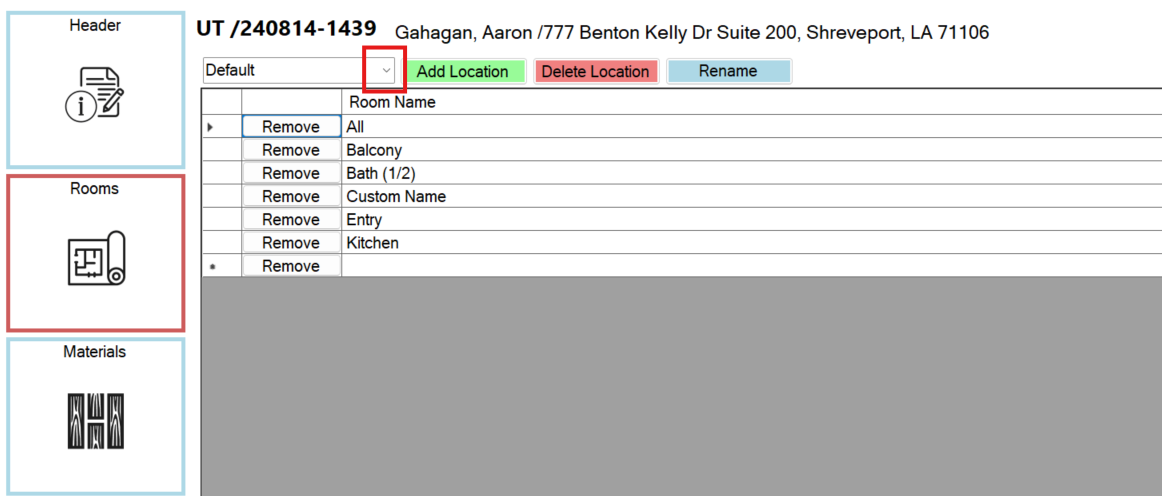
To change the selected construction location, click the dropdown and pick the location name.
Editing Rooms
Adding Rooms:
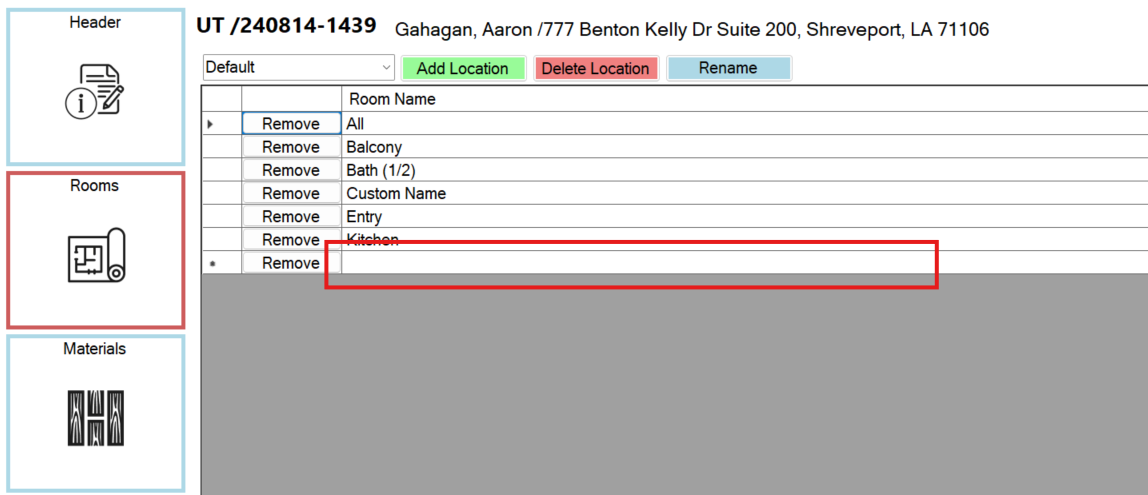
To add a new room, click on the empty space at the bottom and type in the name.
When you click off of the space or press enter, the new room will automatically save.
Renaming Rooms:
To rename a room, click on the name and type in the new name, which acts similar to adding a new room.
Removing Rooms:
To remove a room, just click "Remove" next to that room, and it will automatically save that change.
Editing Construction Locations
Adding locations:
Simply click on the green "Add Location" button in the top left. Then Type in the new location name and click "Submit."
Renaming locations:
Click on the blue "Rename Location" button in the top left. Then type the new name and click "Submit."
Removing locations:
Deleting a location will also delete all rooms of that location.
Click on the red "Delete Location" button in the top left corner and confirm.